SSH-it — a real SSH workspace for Windows
A Windows SSH client built on the OpenSSH that already ships with Windows, so your keys, jump hosts and saved config keep working exactly as they do today. On top of that it gives you the things people usually pay for — saved sessions, a file browser, tunnels, split panes and a command history you can prove wasn’t edited — with no account, no subscription and nothing sent anywhere.
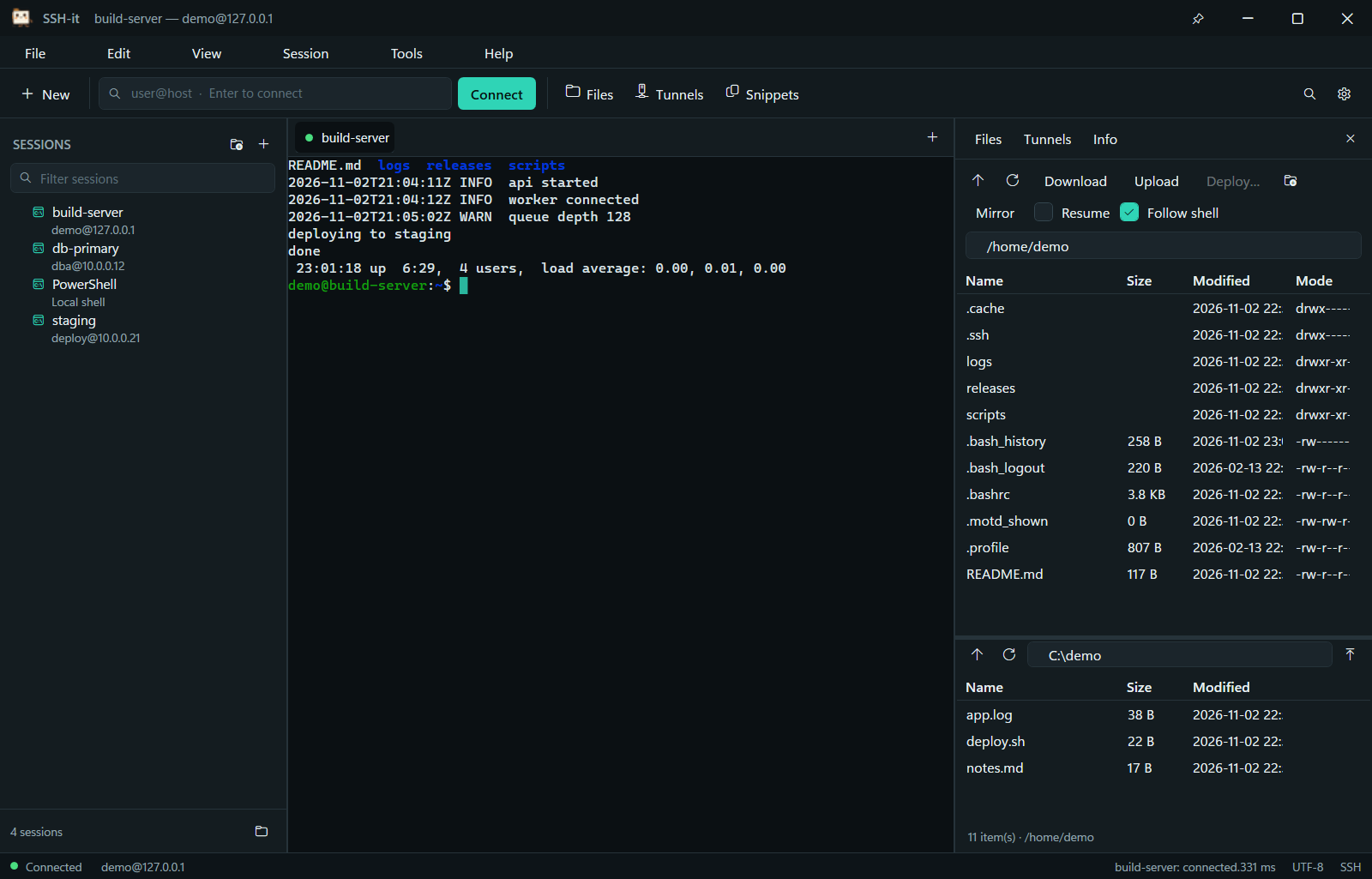
What you get
Commands you can check afterwards
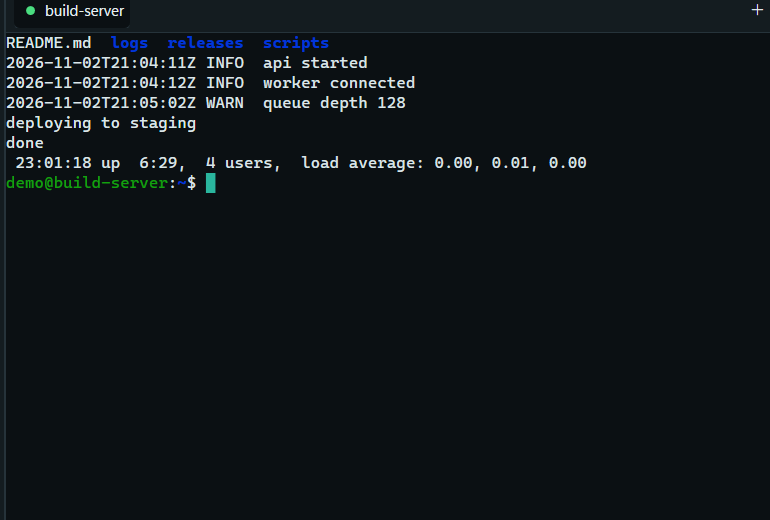
Every command comes back with its result and how long it took, so you can copy the exact command or its output instead of hunting through scrollback.
A record that can’t be quietly edited
Work can be written to a tamper-evident log. Change one line and the check fails and names the row — useful when “what did we actually run?” matters.
Bastion hosts without the pain
Hop through one server or several, each with its own key, and see the whole route when a connection fails instead of guessing which one refused you.
Files next to the terminal
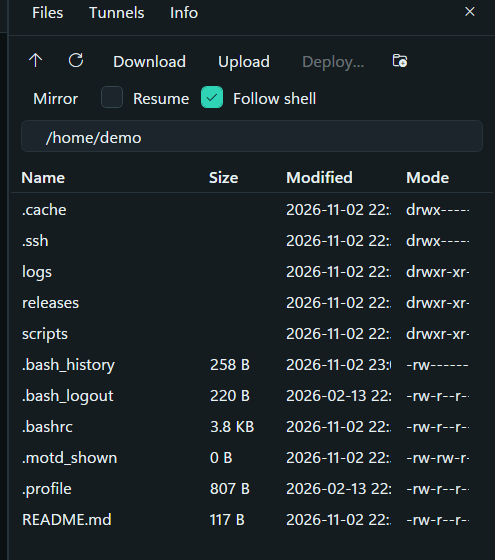
Browse, upload and download on the same connection, mirror a folder, resume an interrupted transfer, or edit a remote file and have it upload when you save.
tmux as one window
Attach to tmux and each of its panes becomes a pane here, laid out the way tmux laid it out.
Reconnects you can see
When a link dies you get a countdown and a clear reason — never a green light on a connection that isn’t answering.
Why this instead of a paid client
No subscription, no account
Free and MIT-licensed. Your sessions are plain files on your own disk — nothing to sign into, nothing to renew.
Your keys stay yours
It drives the ssh client Windows already has, so your keys, agent and known hosts are used the way OpenSSH uses them. There is no second credential store to trust.
Nothing phones home
No telemetry, no analytics, no cloud. The only connections it makes are the ones you ask for.
Your existing setup keeps working
Import your ssh_config or PuTTY sessions, and keep using agent keys, FIDO tokens and
the jump chains you already have.
Features usually held back for the paid tier
Split panes and broadcast, a two-pane file browser, tunnels, session recording and tmux support are all in the free build.
Honest about what it isn’t
Windows only. No mosh, no built-in RDP or VNC, no phone app. It is a terminal workspace, and it says so.
The rest of it
- Terminal: ConPTY host, full VT parser (truecolour, scroll regions, alternate screen, bracketed paste, DEC line drawing, wide characters), search, selection, reflow on resize, eight palettes.
- Sessions: plain JSON, import from
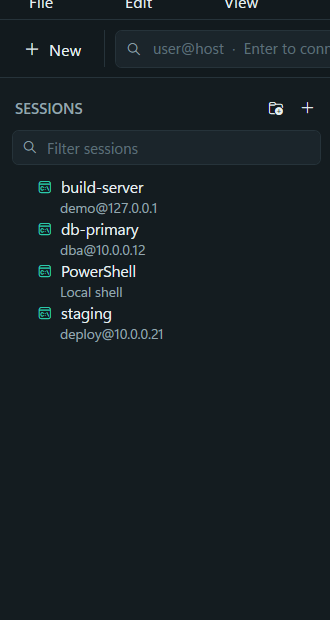
ssh_config(includingInclude) or PuTTY, portable mode, workspaces, colour tags, quick connect. - Transport: jump hosts and MFA, agent forwarding through a hop, X11 with a local server check, telnet and serial, ZMODEM file transfer where there is no SFTP.
- Tunnels: local, remote and dynamic forwards as saved rules that survive a restart.
- Panes: split, broadcast to every pane, move a tab into its own window without reconnecting, record and replay sessions.
- Agents: the same sessions and policy over a CLI and an MCP server — with a gate, a signed policy and leases so an agent can be limited to named hosts and paths.
- Accessibility: the terminal publishes a full UIA TextPattern, and high contrast is a real palette with framed selection rather than colour-coded meaning.
Inside the app
Install
SSH-it-Setup-1.0.33.exe
Size     49,559,973 bytes
SHA-256  cd9b8fa5624aba32dc6e64ef30518f116e6c8f27dc9224f6cfbce16d887abfee
The installer is not code-signed, so SmartScreen will say “Unknown publisher” until download
reputation builds. Verify the hash before running:
certutil -hashfile SSH-it-Setup-1.0.33.exe SHA256.