MODDYS DOWNLOADS
GRAB IT LOUD
direct builds · no stores · no accounts
‹ Back to moddys.net
Every build I ship, in one place, served straight from this site — no store, no account, no middleman. Each card says what the thing is, what it needs, and the SHA-256 of the exact file you are about to run, so you can prove it is the one I built.

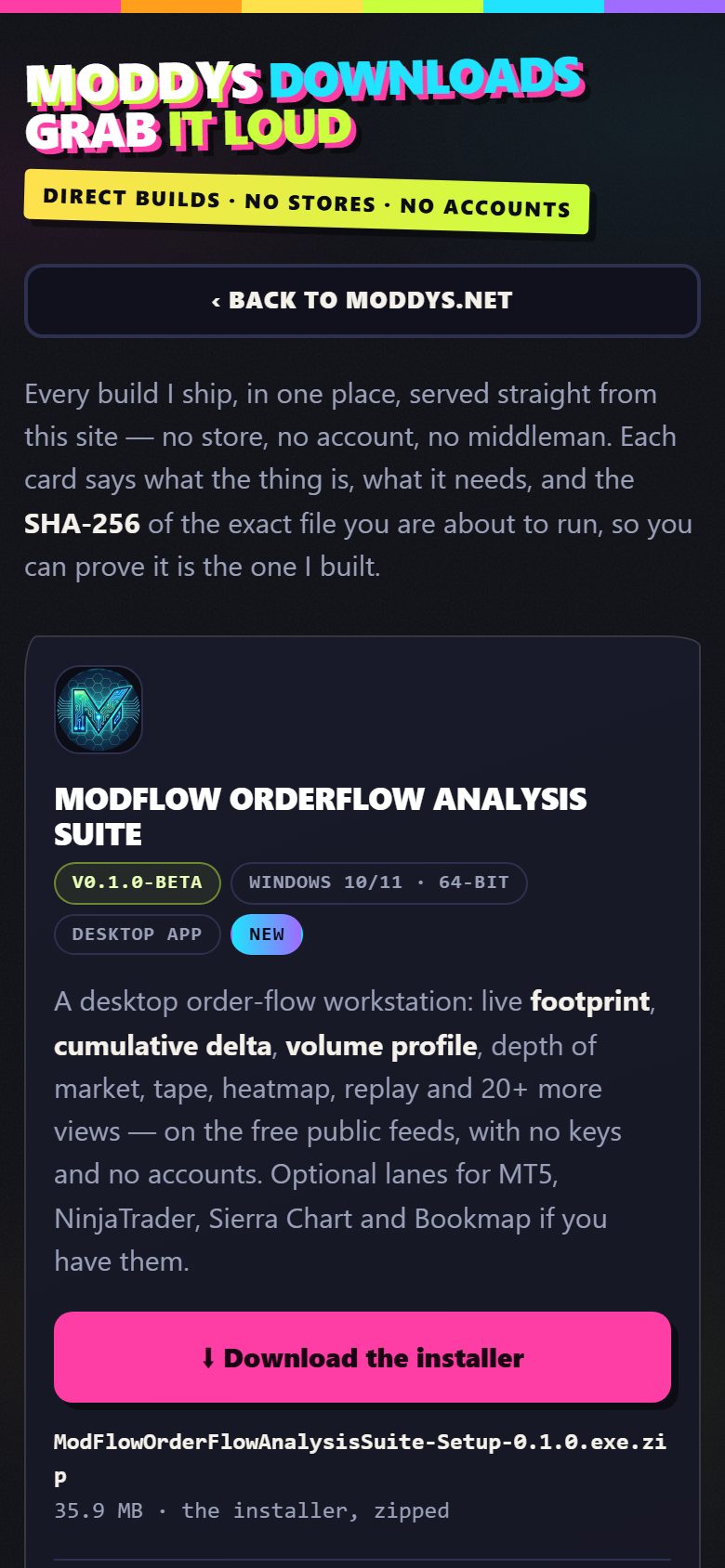
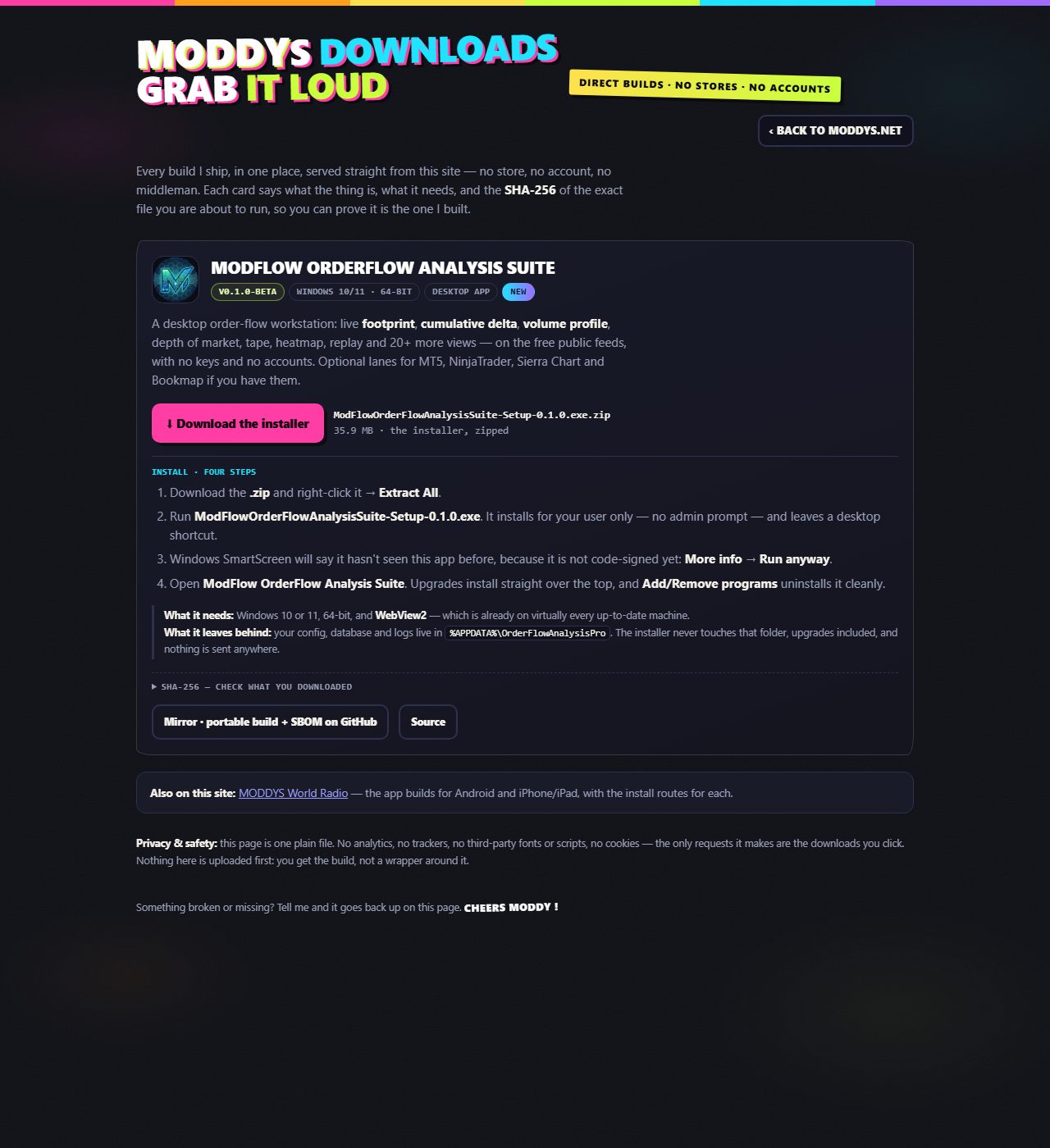
ModFlow OrderFlow Analysis Suite
A desktop order-flow workstation: live footprint, cumulative delta, volume profile, depth of market, tape, heatmap, replay and 20+ more views — on the free public feeds, with no keys and no accounts. Optional lanes for MT5, NinjaTrader, Sierra Chart and Bookmap if you have them.
35.9 MB · the installer, zipped
- Download the .zip and right-click it → Extract All.
- Run ModFlowOrderFlowAnalysisSuite-Setup-0.1.0.exe. It installs for your user only — no admin prompt — and leaves a desktop shortcut.
- Windows SmartScreen will say it hasn't seen this app before, because it is not code-signed yet: More info → Run anyway.
- Open ModFlow OrderFlow Analysis Suite. Upgrades install straight over the top, and Add/Remove programs uninstalls it cleanly.
What it leaves behind: your config, database and logs live in
%APPDATA%\OrderFlowAnalysisPro. The installer never touches that folder,
upgrades included, and nothing is sent anywhere.
SHA-256 — check what you downloaded
e42562b38e443295e17b79792f7688550129b6b95fb90305f33be1e8418238a3
1fd6a9db80fe475f9eaad1abe1a754fced8eb0e36d6d1afe2dee6e098182f4f9
certutil -hashfile "ModFlowOrderFlowAnalysisSuite-Setup-0.1.0.exe.zip" SHA256
— the exe inside unzips to the second hash, which is the same installer published on the
v0.1.0-beta release (build a39330b).
DeepSeek Usage Widget
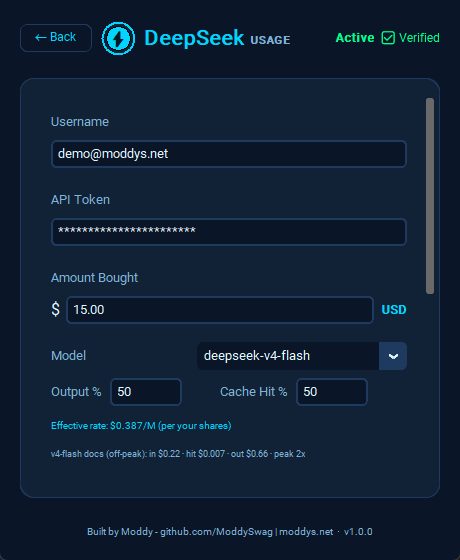
A tiny desktop widget that watches your DeepSeek API spend so you don't have to keep checking the platform page: live balance, a budget-burn meter that goes green → cyan → orange → red as you spend, session tracking that survives restarts, two token estimates (this session and all-time), and dashboard calibration so the numbers match your platform dashboard exactly.
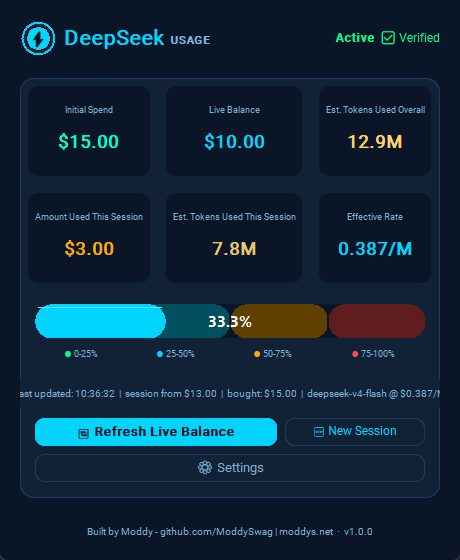
14.3 MB · standalone exe, zipped
- Download the .zip and extract it anywhere.
- Run DeepSeekUsageWidget.exe. It starts blank, ready for setup — enter your username, API key and amount bought on its Settings page, then save.
- SmartScreen says it hasn't seen this app? It's an unsigned one-file exe: More info → Run anyway. It's open source — build it yourself if you prefer.
What it leaves behind: your key and settings live in a plain-text JSON file next to the exe — keep that file private. The key is sent only to
api.deepseek.com over
HTTPS as a Bearer header: no telemetry, no analytics, no third-party calls.
SHA-256 — check what you downloaded
7233772e1eb8039cd643a20aea07841c8f2552b004e53133ad96915fdfa5dc04
certutil -hashfile "DeepSeekUsageWidgetStandalone.zip" SHA256
Hermes Dashboard Multi-Themes Edition
The LCARS reskin for the Hermes Agent web dashboard: 13 themes
(Enterprise Bridge + 12 wallpapers), a one-command installer, and an auto-heal watchdog
that puts the skin back after every hermes update — even with every Hermes process
stopped. Visual-only: it never touches your config, sessions or keys. This release also stops
the chat tab jumping when you alt-tab away and back. v1.4.4 fixes a Windows
installer crash when the console runs with the default codepage.



133.1 MB · the installer, zipped
- Download the .zip and extract it into your Hermes folder (or a new one).
- Run run.bat on Windows or run.sh on macOS / Linux. The installer applies the skin and registers the auto-heal watchdog for you.
python3 apply.py --check prints a readiness report, and
--restore / --remove return you to the stock dashboard. What it leaves behind: the skin in the dashboard's own index.html, plus one OS-level watchdog (Scheduled Task on Windows, LaunchAgent on macOS, systemd user timer on Linux). Nothing is sent anywhere.
SHA-256 — check what you downloaded
39c923a8189f9336b02294f4f0e041e88722515272c15d41dffb1d6077010b36
certutil -hashfile "lcars-installer.zip" SHA256
MODDYS World Radio — Android
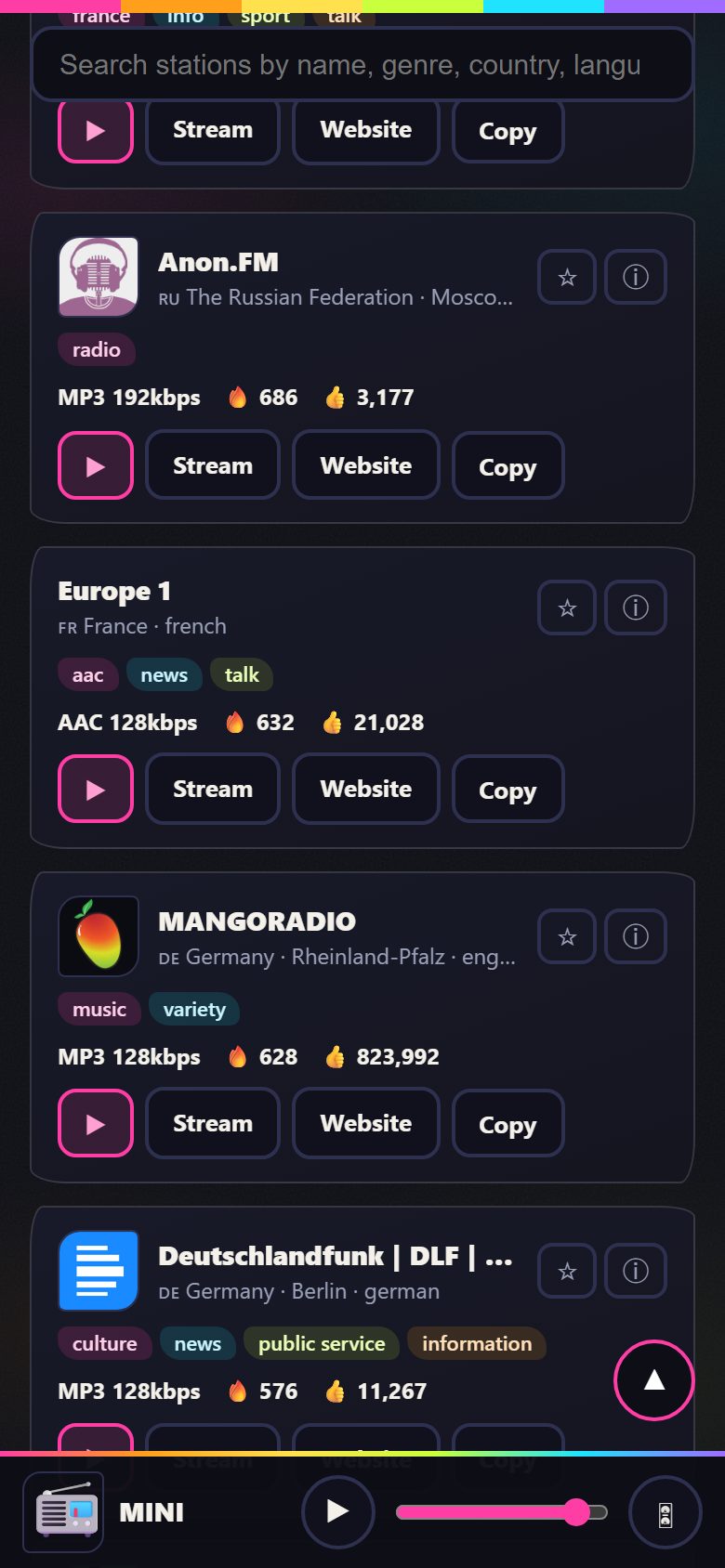
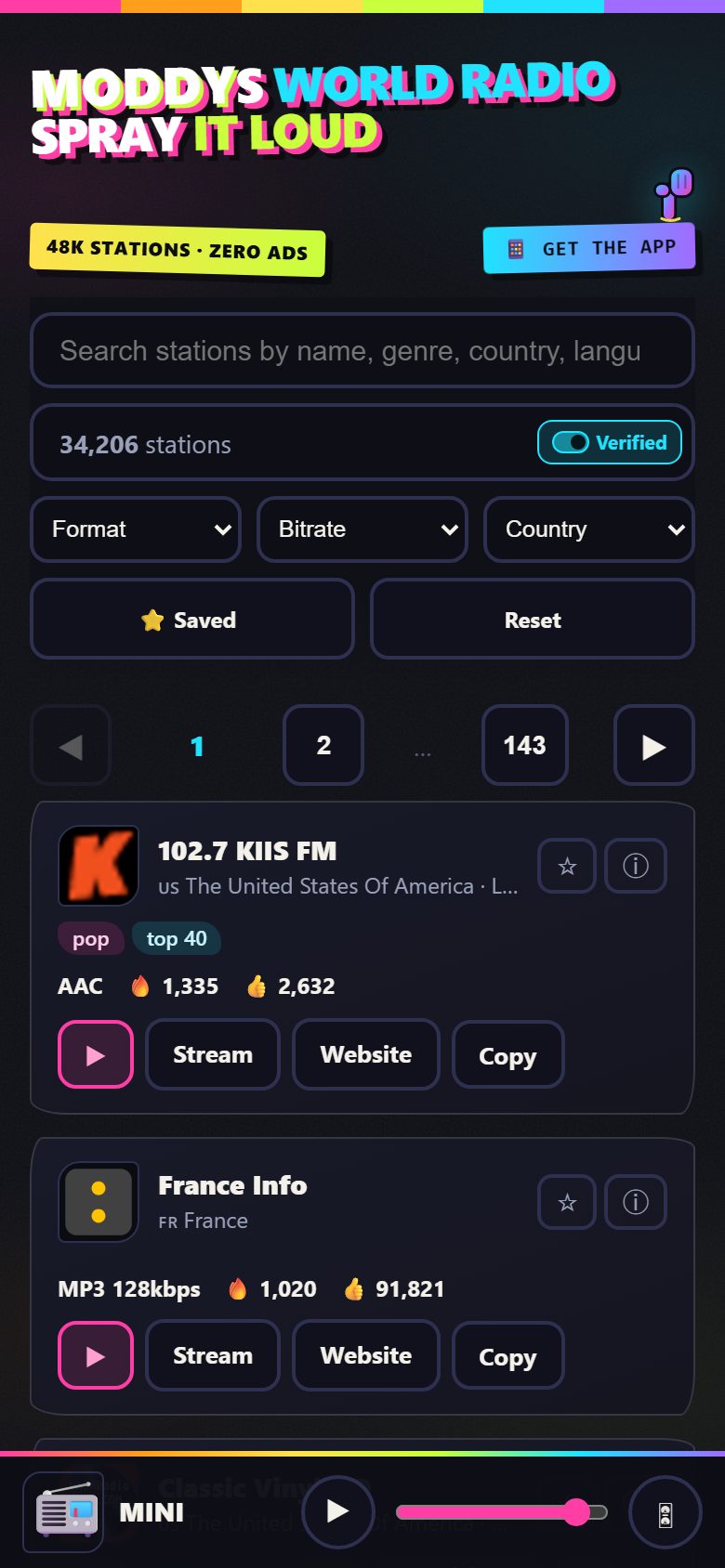
47,994 radio stations, background playback, lock-screen controls, a draggable mini player, a visualiser and light mode — and you can add your own stations right from the app. No ads, no account, nothing collected.
5.4 MB · the app, signed
- Tap Download the APK, then open the file — your browser's notification, or Files → Downloads.
- If Android asks, allow Install unknown apps for whichever app is opening it.
- Play Protect may say it hasn't seen this app before — choose Install anyway. An app from outside the Play Store always gets that warning.
- Open MODDYS World Radio. Later versions install straight over this one and your favourites stay.
What it leaves behind: nothing — no analytics, no accounts, no tracking. Stations you add yourself live in the app's own storage and are never uploaded.
SHA-256 — check what you downloaded
9870de7fd80512675857a5b2bab66501402b04fd642e49f23c71cddf86e40a03
certutil -hashfile "world-radio-v1.7.0.apk" SHA256
· full install routes on this site
MODDYS World Radio — iPhone & iPad
The same app as Android: 47,994 stations, background playback, lock-screen controls, the draggable mini player, the visualiser, light mode — and add your own stations. The .ipa is unsigned by design: you sign it with your own Apple ID.
6.1 MB · the app, unsigned
- Download the .ipa and leave it in Files → Downloads.
- On a Windows PC or Mac, install Sideloadly from sideloadly.io.
- Connect the iPhone by cable, drag the .ipa into Sideloadly, type your Apple ID, press Start.
- On the iPhone: Settings → General → VPN & Device Management, trust your Apple ID, then open the app.
What it leaves behind: nothing — no analytics, no accounts, no tracking. Stations you add yourself live in the app's own storage and are never uploaded.
SHA-256 — check what you downloaded
770ec5bbd80f9c4178915e12d8f4bedc144a79f51087d8bc3e54912a35deefaf
shasum -a 256 MODDYSWorldRadio-v1.1.0-unsigned.ipa
· full install routes on this site
MODDYS SynthHub — every Behringer synth in the browser over WebUSB / WebMIDI: 71 models, sequencer, patch library, no install.